What is Z-Image?
Z-Image acts as the foundational base model for the wider Z-Image product family, an open-source 6B image foundation model built by Tongyi-MAI. It prioritizes prompt alignment first, offers adaptable visual compatibility, and supports flexible downstream applications from fine-tuning to local self-hosting.
What is Z-Image best for?
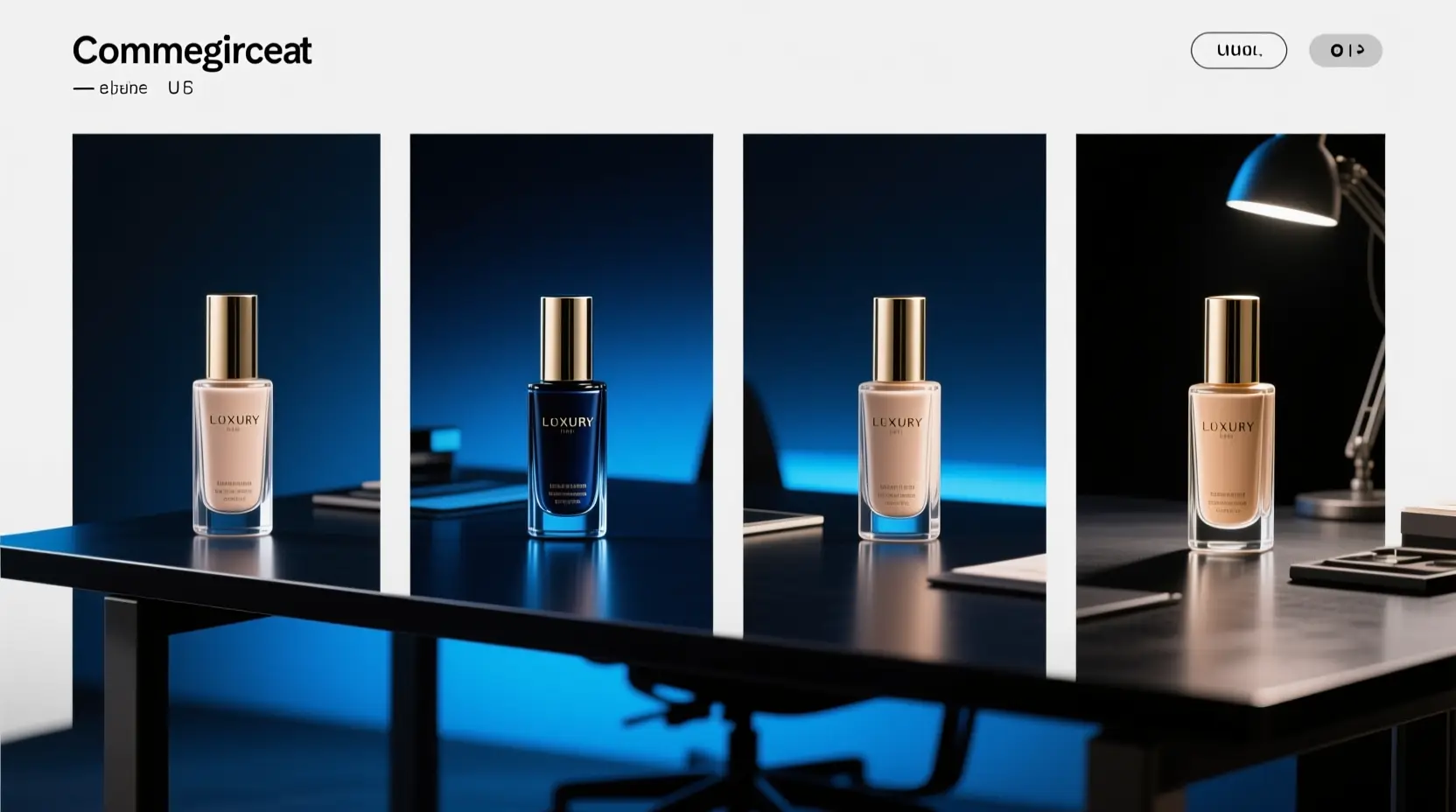
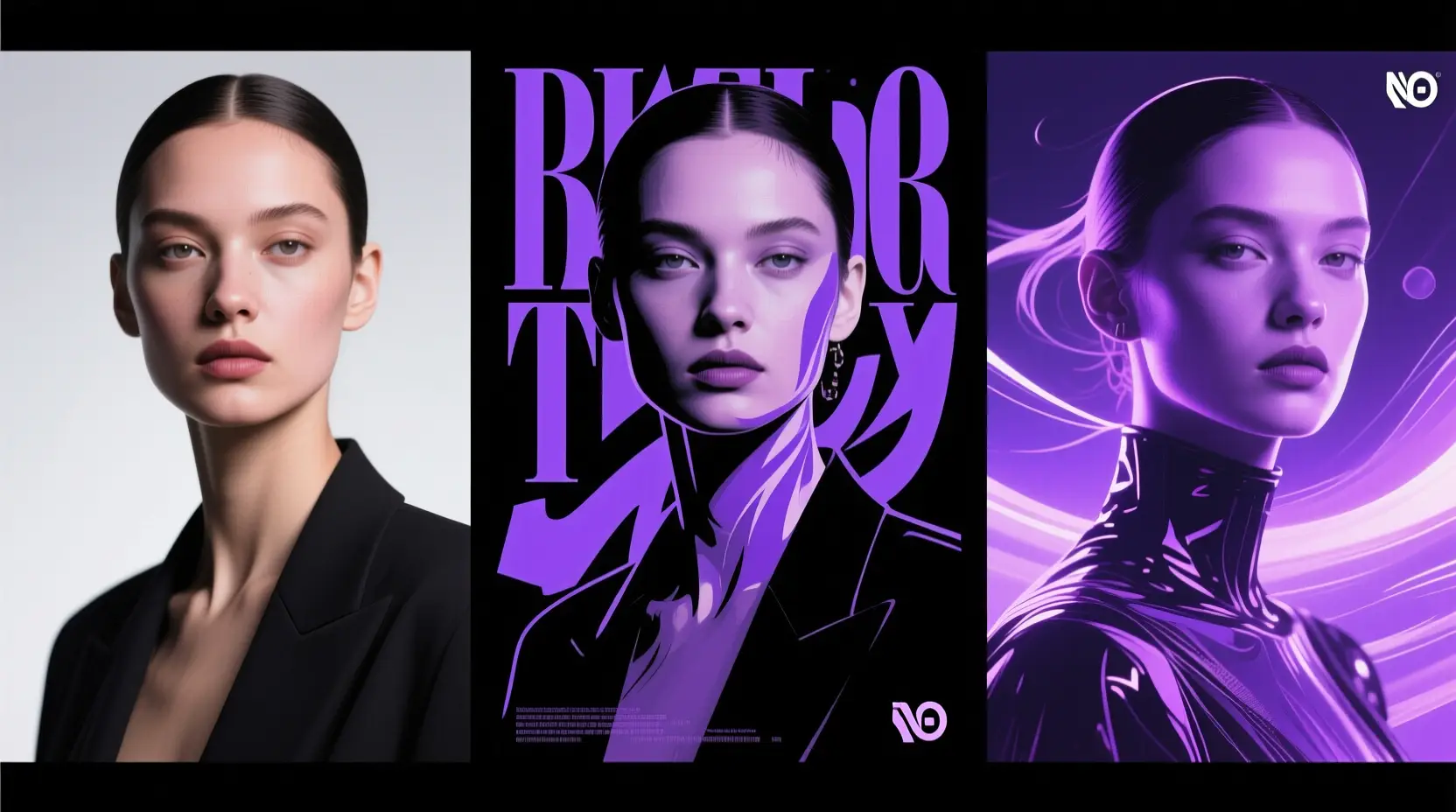
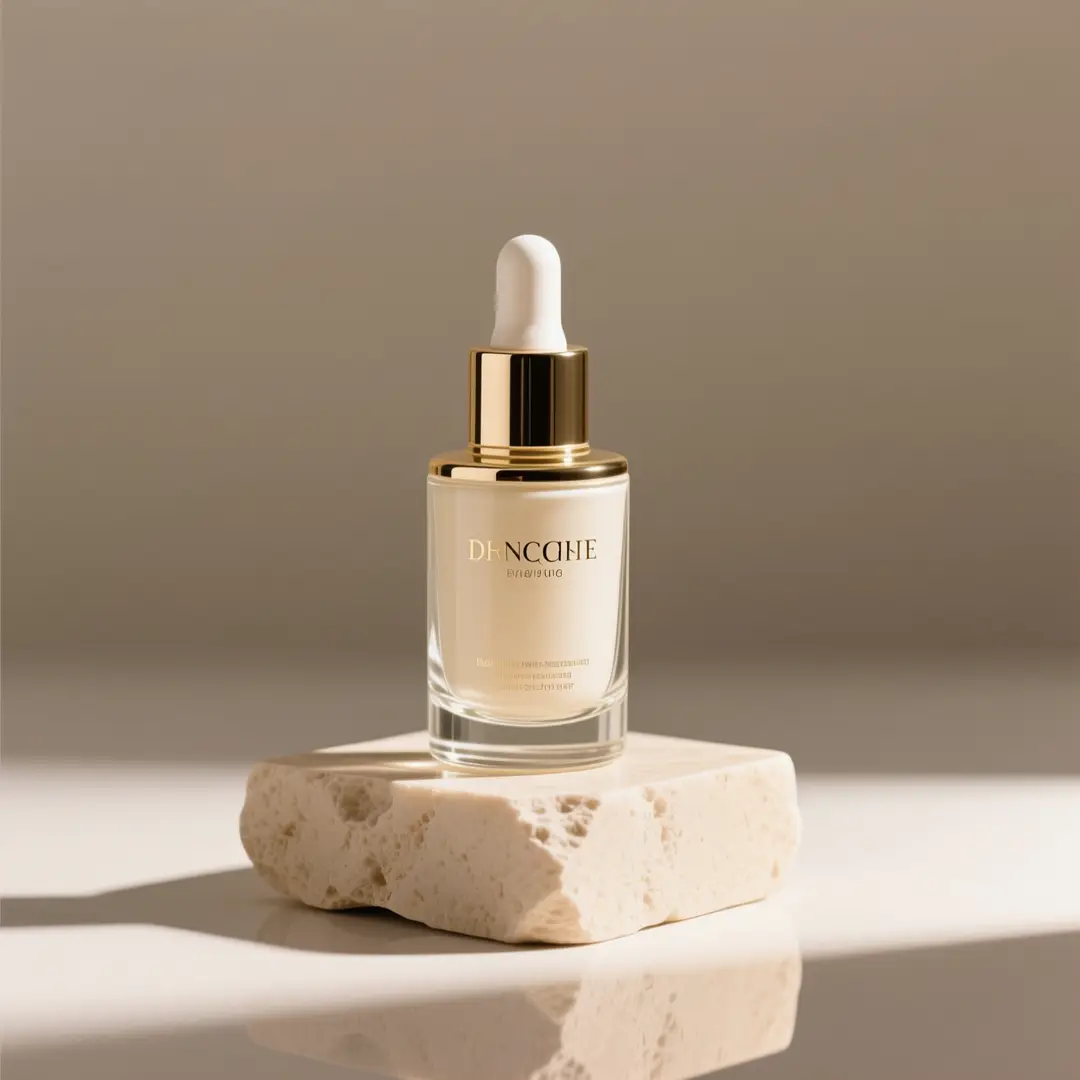
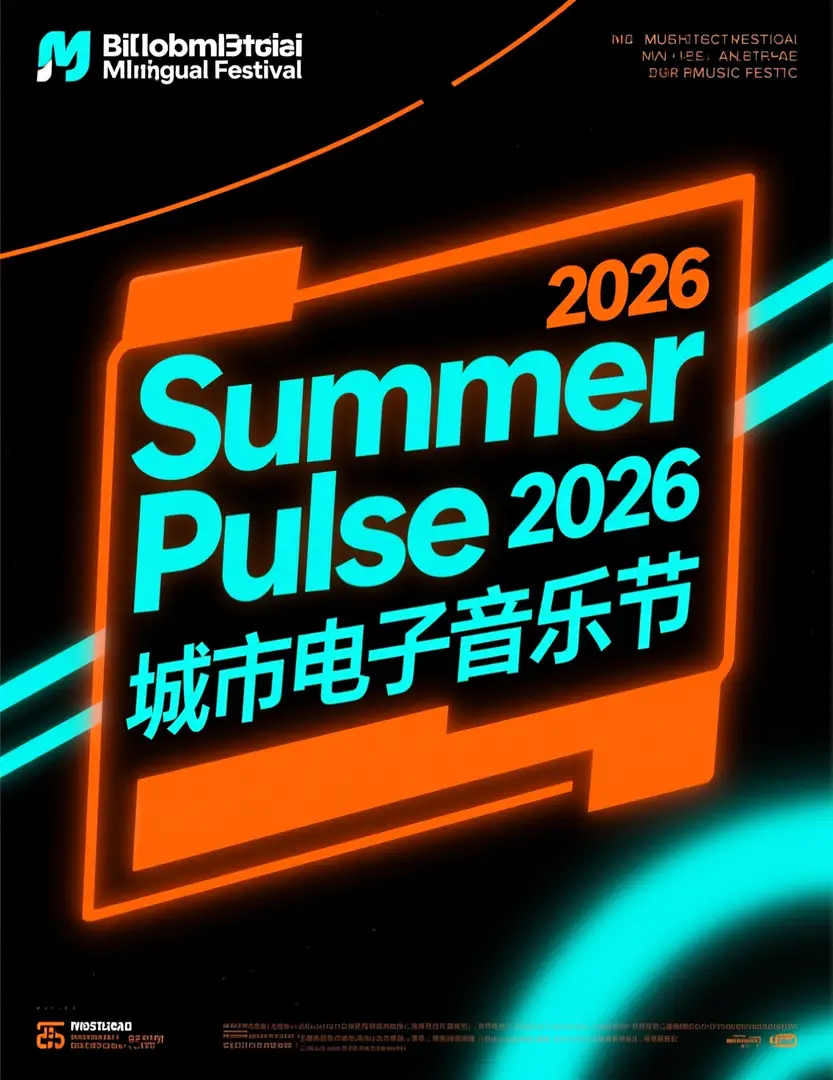
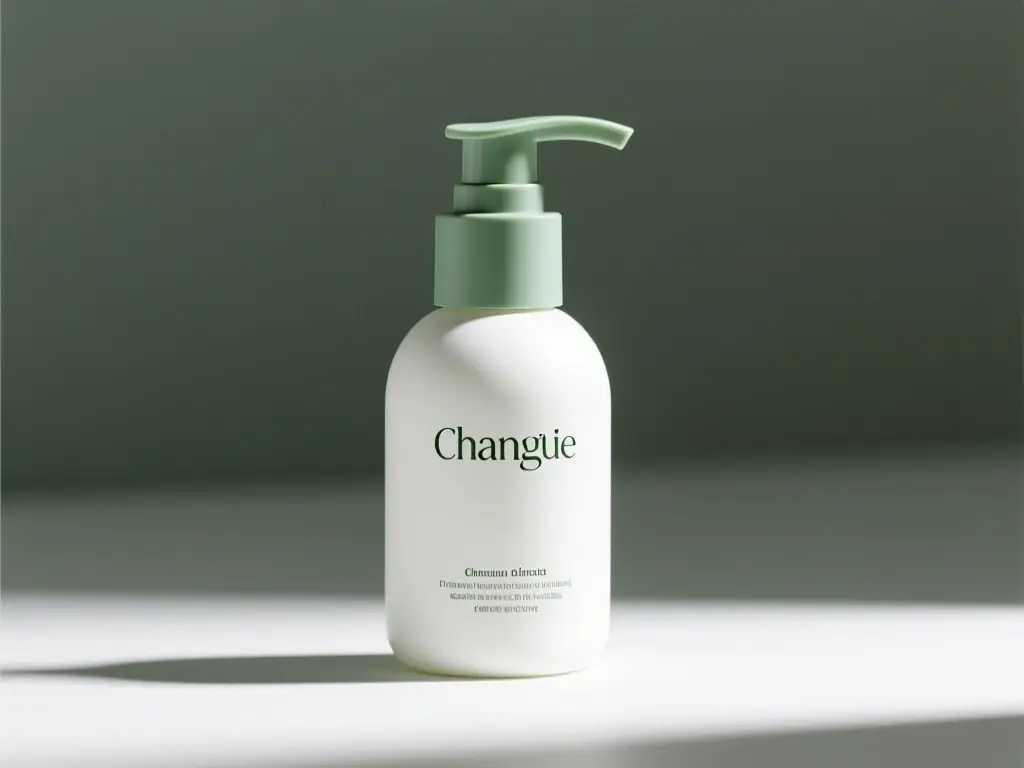
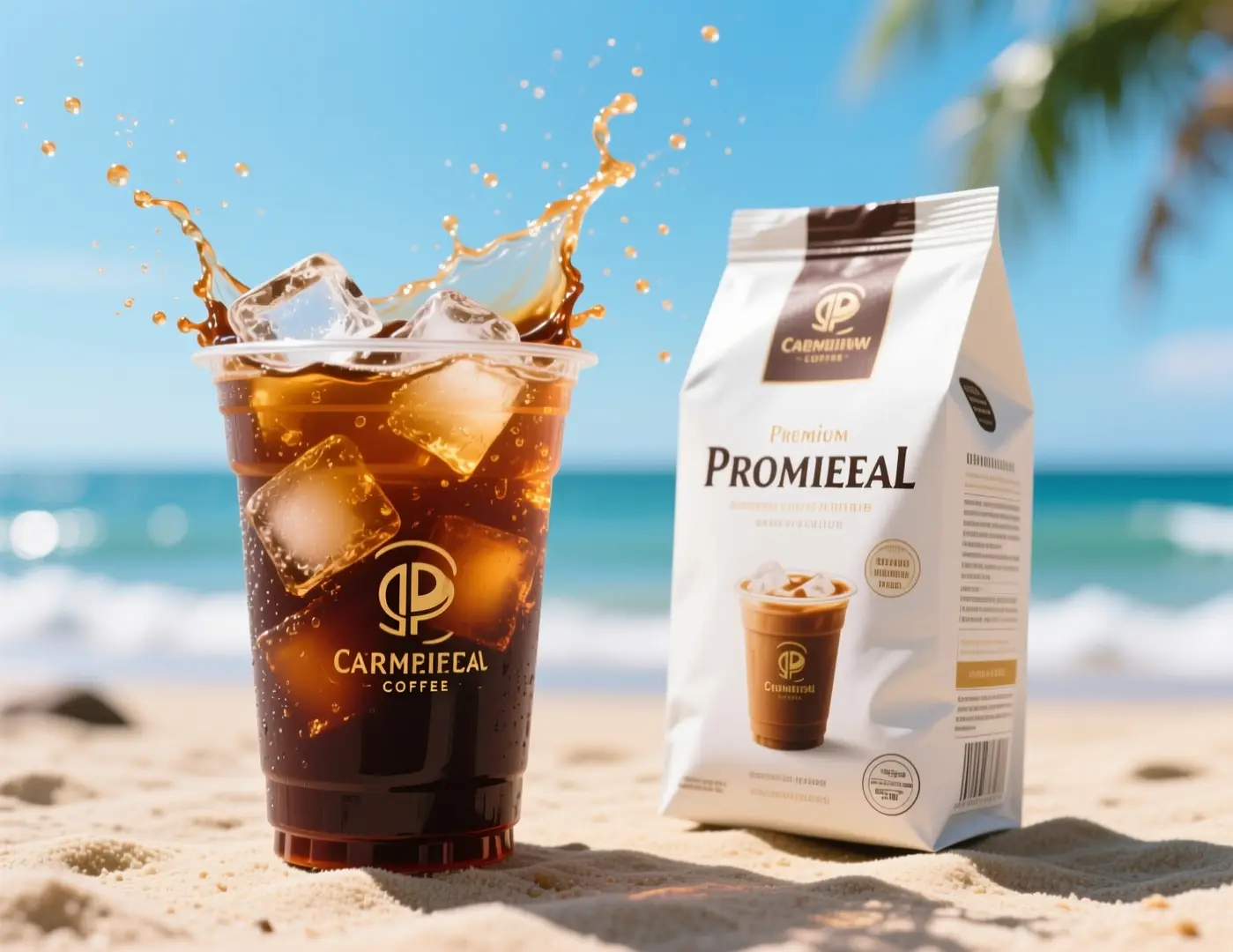
Z-Image excels at prompt-guided image generation, poster concept creation, product-centric visuals, and workflows that you can later adapt for ComfyUI, local inference tools, or alternative self-hosted configurations.
Does Z-Image support image-to-image here?
100% yes. Within this platform, Z-Image fully supports both text-to-image and single-reference image-to-image workflows. Upload a single reference image to lock in your core composition, product silhouette, or the overall visual tone for your finished generated assets.
Which aspect ratios does Z-Image support here?
Z-Image provides full support for every major aspect ratio on this platform, spanning 1:1, 4:3, 3:4, 16:9, and 9:16. This range covers everything from standard square formats to portrait, landscape, and social media-optimized creative dimensions.
How do I write better prompts for Z-Image?
Begin by mapping out your core subject, then add precise details around style, camera angle, lighting configuration, materials, and any mandatory text for your finished image. Z-Image delivers its best results when you clearly distinguish non-negotiable elements from flexible variables—this is particularly helpful for poster design, product photography, and single-reference refinement tasks.
When should I use Z-Image instead of GPT-4o or Seedream 4?
Opt for Z-Image if you require an open-source model you can use outside this hosted platform, particularly if precise prompt control and self-hosting capabilities are your primary priorities. Select GPT-4o or Seedream 4 if you mostly want their curated built-in styles and simplified hosted generation workflows.
What is the difference between Z-Image and Z-Image-Turbo?
Z-Image serves as the core 6B foundational model for its product lineup. Z-Image-Turbo is a streamlined, distilled iteration of the base model, tuned for quicker, more lightweight inference. This is why the Turbo variant is a frequent topic of discussion in community workflows and local deployment setups.
Can I use Z-Image images commercially?
The official upstream Z-Image model weights fall under the Apache-2.0 license, but commercial usage of any generated assets relies on your unique use case, content guidelines, and this platform’s terms of service. For professional production work, always follow standard legal and brand approval protocols rather than assuming model outputs are automatically cleared for commercial use.
Is Z-Image open-source and can it be self-hosted?
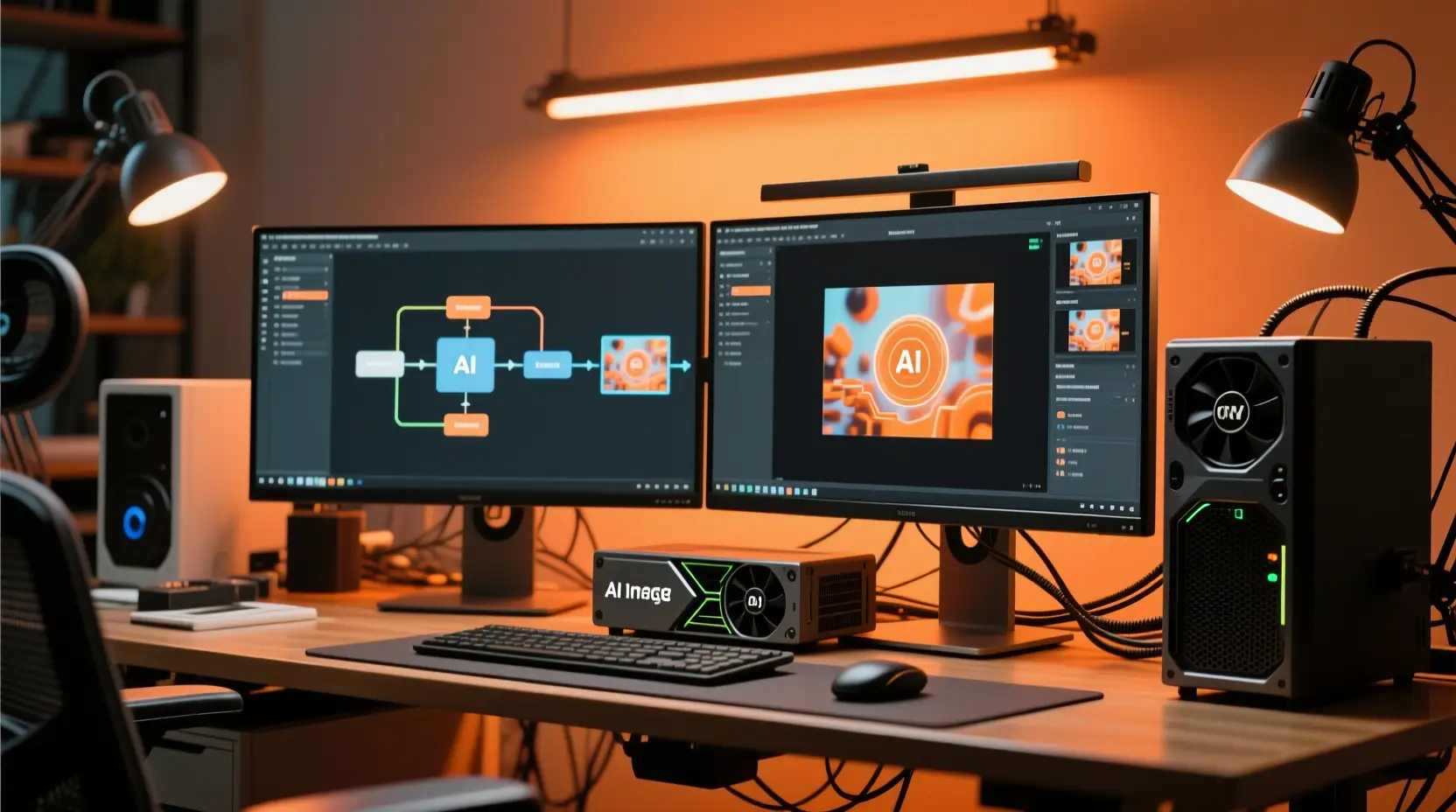
Without a doubt, yes. Tongyi-MAI published the official upstream Z-Image build, and the model operates natively with diffusers-based pipelines, local inference tools, ComfyUI utility apps, and community workflow bundles. This makes researching, deploying, and refining the model significantly easier than closed, hosted-only AI image generators.